New AI workflows every week
Anyone can make viral AI videos
Ready-made AI apps & workflows for creators and sellers. Drop in an idea — get post-ready video, images, and voice.
Licence key on paymentRuns on your machineBuy once or monthly

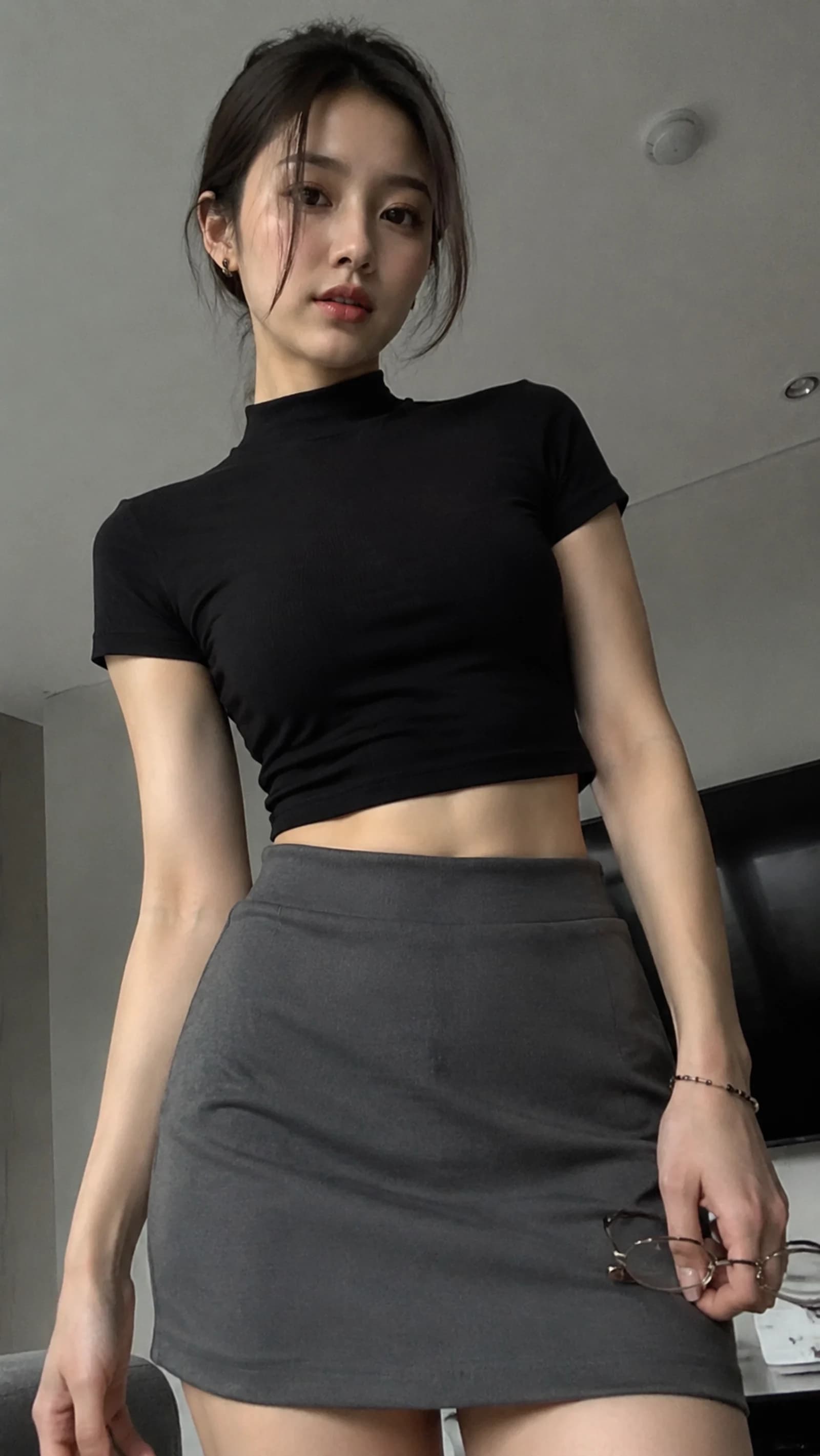
🎬 Workflow Tool Veo
View all →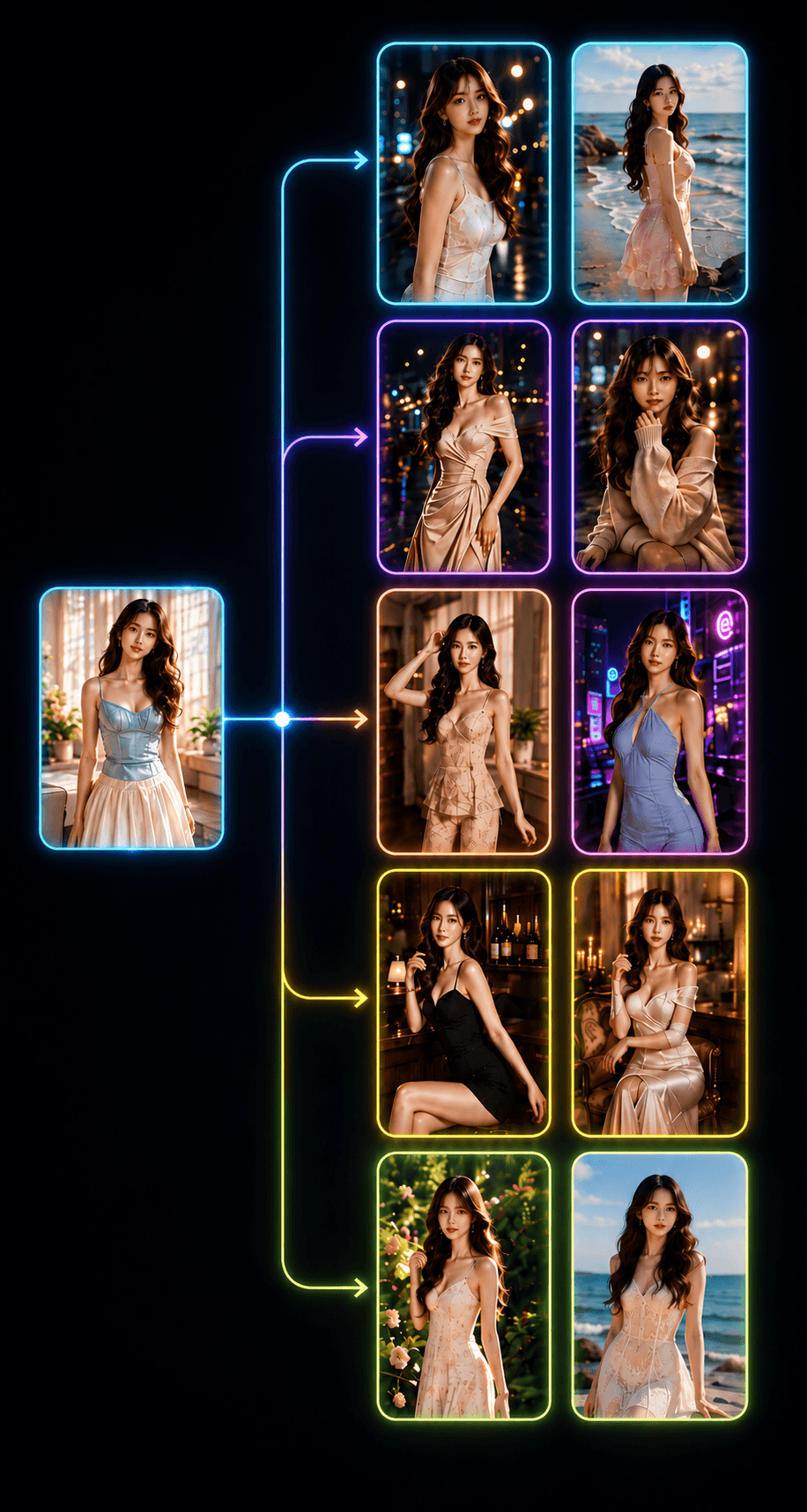
🎬Workflow
Nano Banana Image Workflow – Bulk Image Generation & Editing, Up To 10 Threads
Free workflow for generating and editing images in bulk with Nano Banana — paste a list of prompts, optionally add an input image, pick the thread count (up to 10) and the resolution, then render. Runs on Google Flow, nothing to install.
Price
Free
🎬Workflow
Plant Growth Timelapse – Fast-Forward Your Plants' Growth With Just a Few Clicks
Workflow that automatically creates time-lapse videos of plants growing — enter the plant's name, build the journey, generate images & videos in bulk, then stitch them into a long clip with just a few clicks. Supports Omni Flash & Veo 3.1 Lite. Buy once, use forever.
Price
$15.00
🎬Workflow
Wildlife Video Automation – Create Full Wildlife Videos With Just 1 Click
Workflow that automatically creates long wildlife videos with just 1 click — builds the script, splits it into scenes, generates them in bulk & stitches them into a complete video. Supports Omni Flash & Veo 3.1 Lite. Buy once, use forever.
Price
$15.00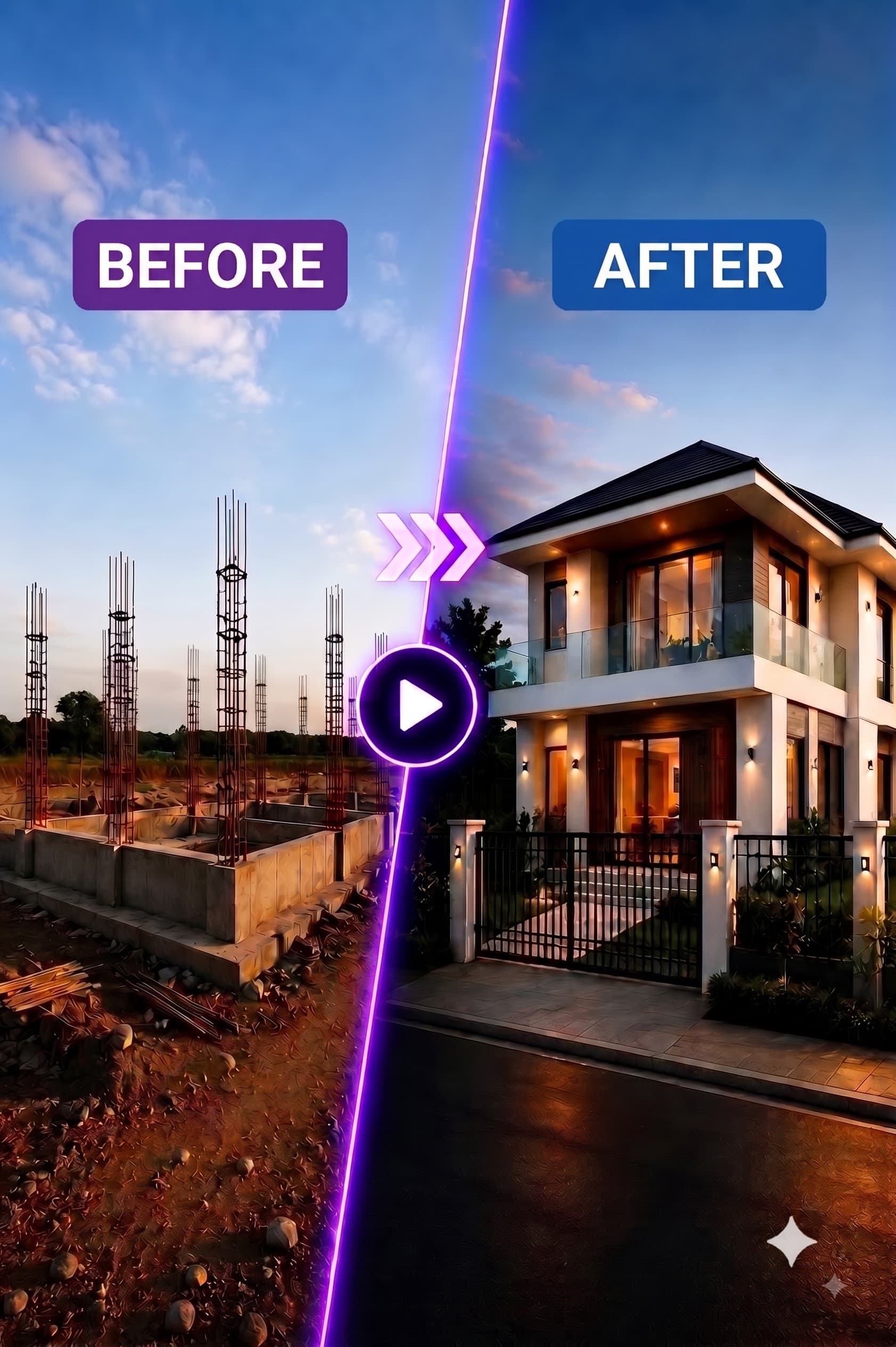
🎬Workflow
Construction Time-Lapse Automation – Build a House Time-Lapse From One Photo
Automatically create AI construction time-lapse videos from a single starting photo. Pick the architectural style, the image & video models and the number of threads — the workflow builds each construction stage and stitches them into one complete time-lapse. Buy once, use forever.
Price
$15.00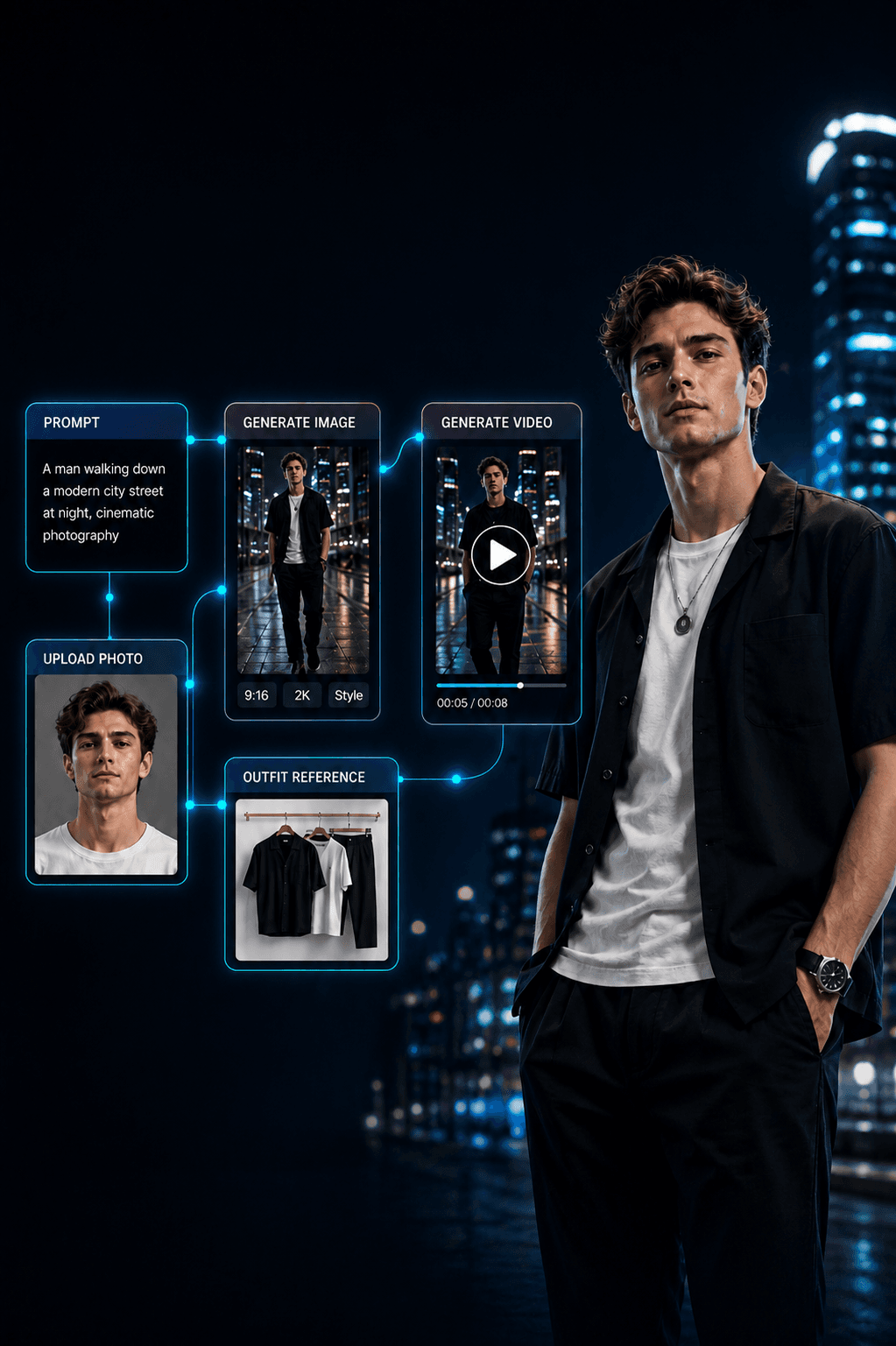
🎬Workflow
Synth Node – Build Your Own AI Image & Video Pipeline, Node by Node
A free node-based workflow on Google Flow: pick the functions you need and connect them into your own image & video pipeline — image source, subject lock, text-to-image, image-to-image, upscale, image-to-video and preview. Sign in to claim, one per account.
Price
Free
🎬Workflow
Fashion Image & Video Workflow – Dress a Model and Make Fashion Videos With AI
Automate fashion content from a few input photos. Upload a model, a background and an outfit, then hit Start — the workflow dresses the model in the new outfit, generates fashion images and turns them into videos. Buy once, use forever.
Price
$9.00
🎬Workflow
Video Drama Automation – Turn One Idea Into a Full AI Drama Video
A workflow that automatically creates short drama videos from the characters, story and style you pick — it builds the scenes, generates images, generates video with AI and stitches everything into a finished video. Perfect for TikTok, Facebook Reels, YouTube Shorts and short-video channels.
Price
$19.00📱 App
View all →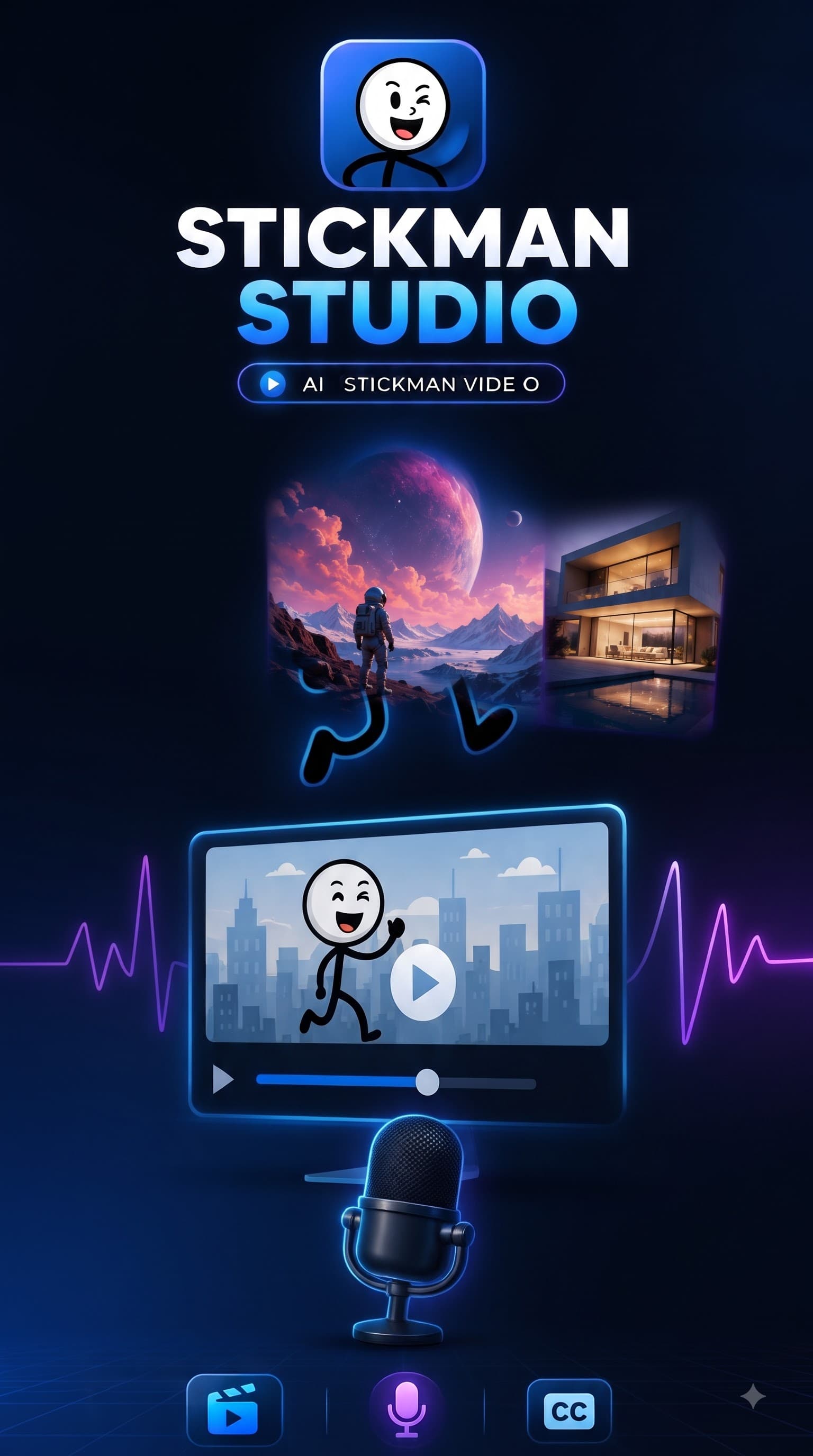
📱App
Stickman Studio – Create Unlimited Stickman Videos + Voice Cloning (zimage · zmotion · Nano Banana 2)
Desktop app (macOS & Windows) that automatically creates unlimited stickman videos + voice cloning from just 1 idea — using zimage, zmotion, Nano Banana 2 & custom voices, with an LLM to optimize the storyline. Enter a prompt, pick a model & voice, and get a full long video with subtitles in 1 click.
Price
$29.00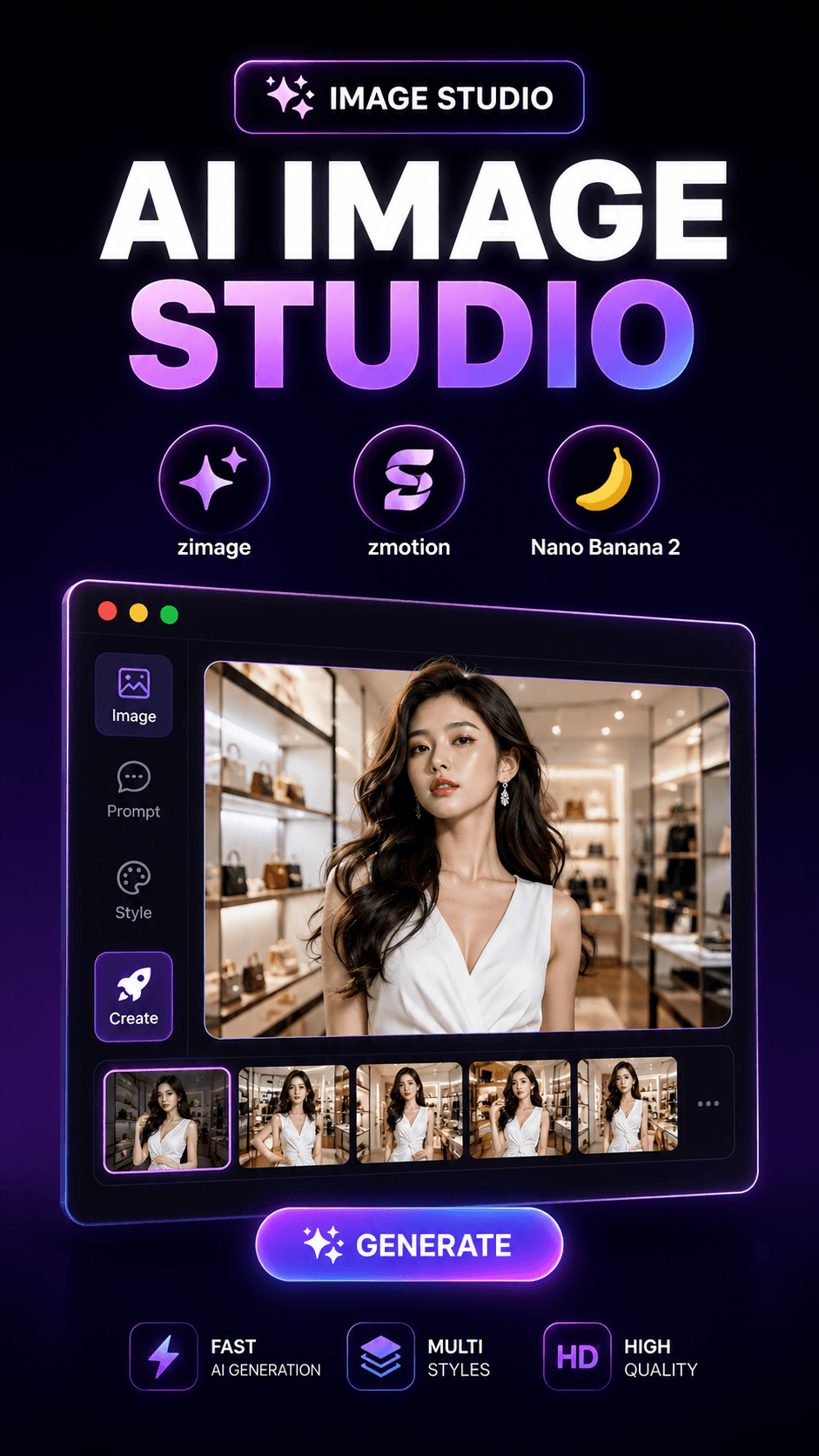
📱App
Image Studio – Unlimited Image Generation · Upscaling (Nano Banana 2 · Multi-Threaded)
Desktop app (macOS & Windows) that generates, edits, and upscales unlimited images with Nano Banana 2 — runs multi-threaded and supports many open models (zimage, flux klein…). Paste a prompt or import a file, pick a model & format, and click to generate images in bulk.
Price
$19.00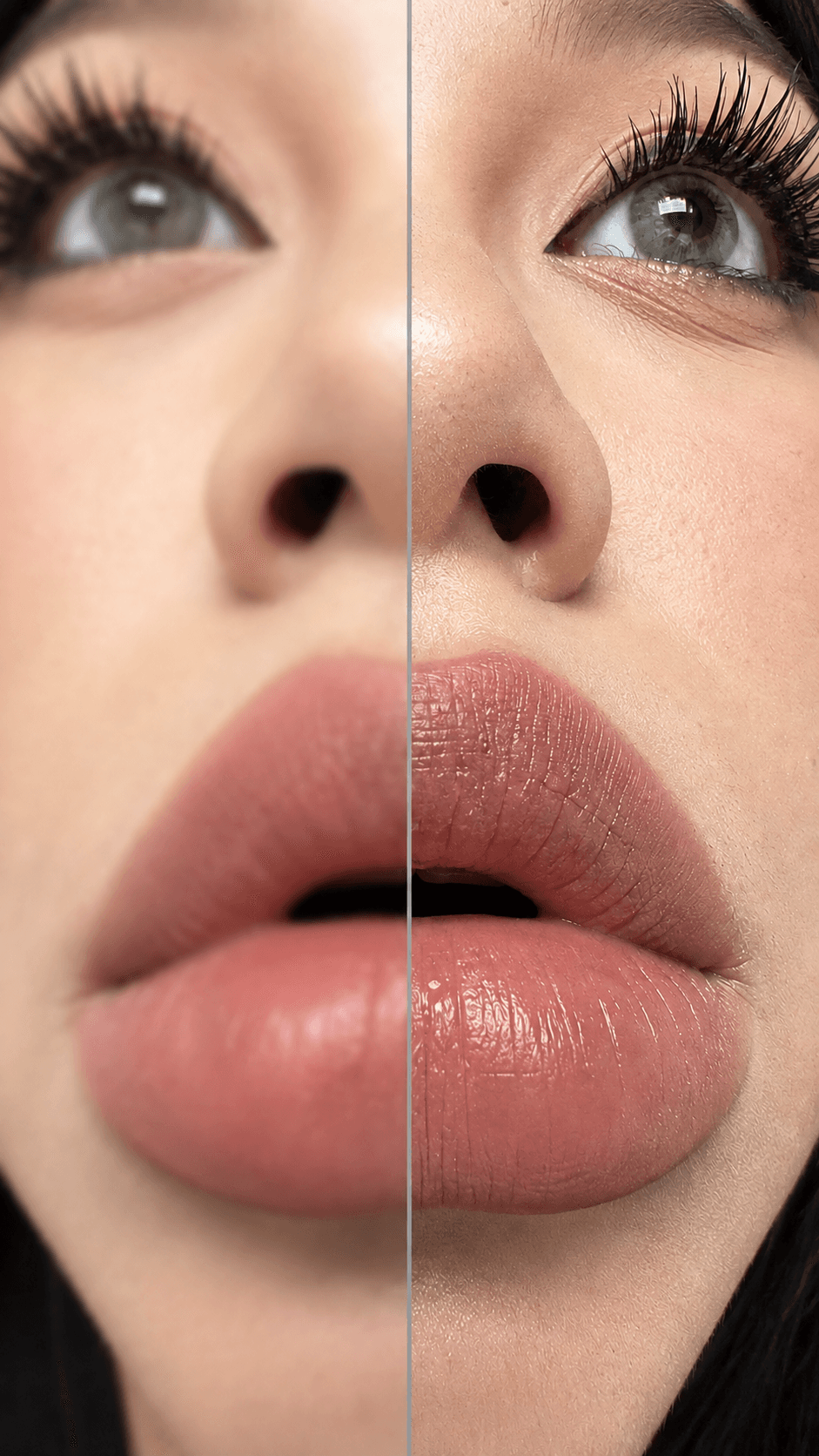
📱App
Image Upscaler – Batch Upscale to 4K/8K (x4–x16)
A free desktop app that upscales images in bulk right on your computer. Turn on Batch Upscale, pick a whole folder, set the level from x4 to x16 / 4K / 8K, choose an output folder and press Upscale — the app works through the entire list automatically.
Price
Free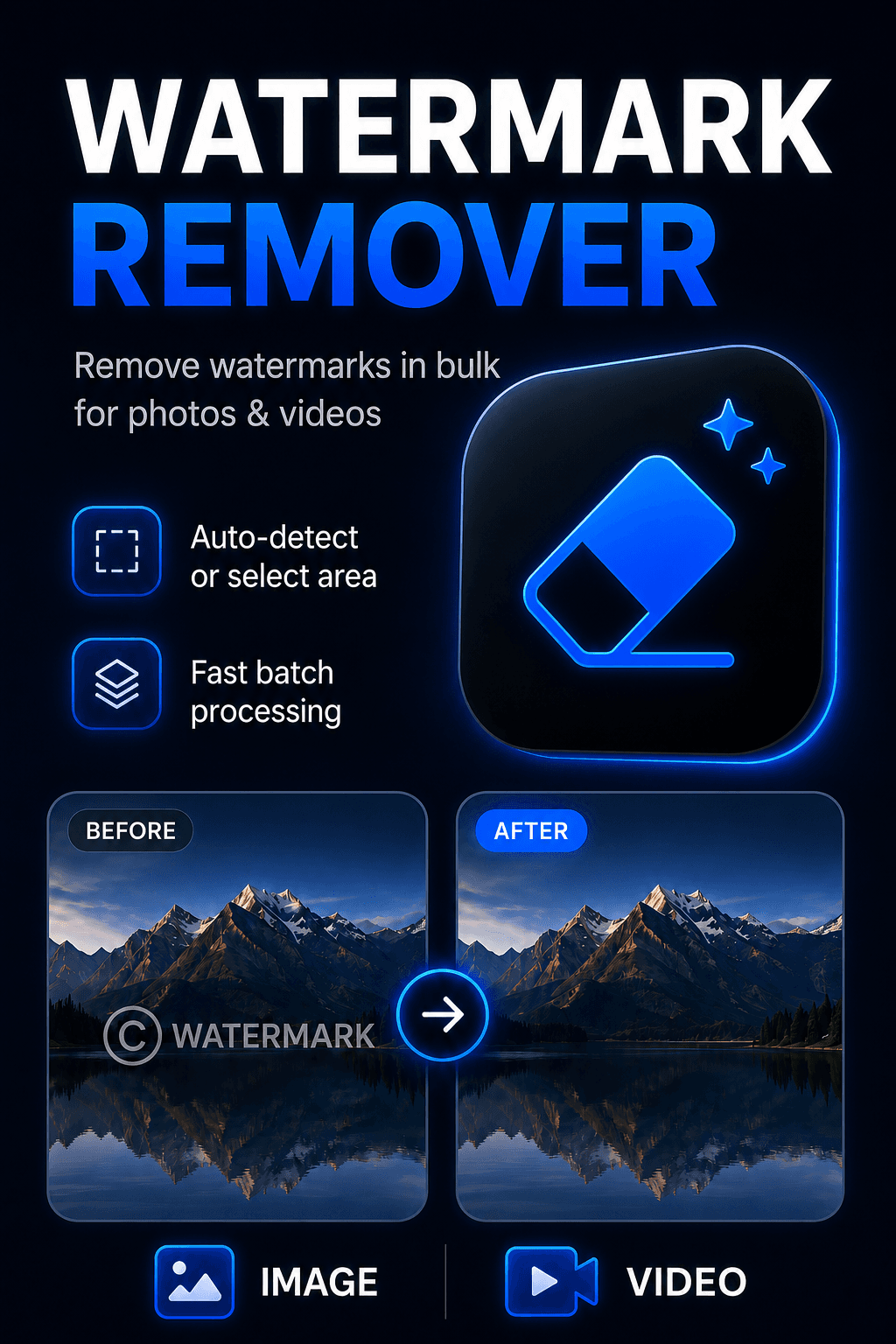
📱App
Watermark Remover – Strip Logos From Images & Videos In Bulk
Desktop app that removes watermarks from images and videos in bulk. Add many files at once, let the app detect the watermark or draw the region yourself, then press start and it works through the whole queue.
Price
$9.00Frequently asked questions
When do I get my licence key?
Immediately. Payment is confirmed by the gateway within seconds and the licence key plus download links land in your email and in Dashboard → My Library. If anything stalls, contact us and we'll issue it by hand.
How many machines can one licence activate?
Three. That covers a laptop, a desktop and one machine swap. The licence is bound to the app you bought, so a key for one product will not activate another.
One-time or monthly — what's the difference?
Workflow tools are bought once and yours for good. Desktop applications are licensed monthly because they call AI models that change constantly; your key stays the same on renewal, only the expiry moves.
What happens when a monthly licence expires?
The app stops activating until you renew. Buying again extends the SAME key rather than issuing a new one, so you never have to re-activate your machines. Renew early and the remaining days are added on top.
Can I get a refund?
Faulty or not-as-described: yes, tell us within 7 days and we'll refund. Changed your mind after downloading and activating: no — the licence has already been issued. Full terms on the Refund Policy page.
Pick a tool. Start today.
Every product here is a working application with a licence key, delivered the moment your payment clears.
See the tools