Workflow Tool Veo
Fashion Image & Video Workflow – Dress a Model and Make Fashion Videos With AI
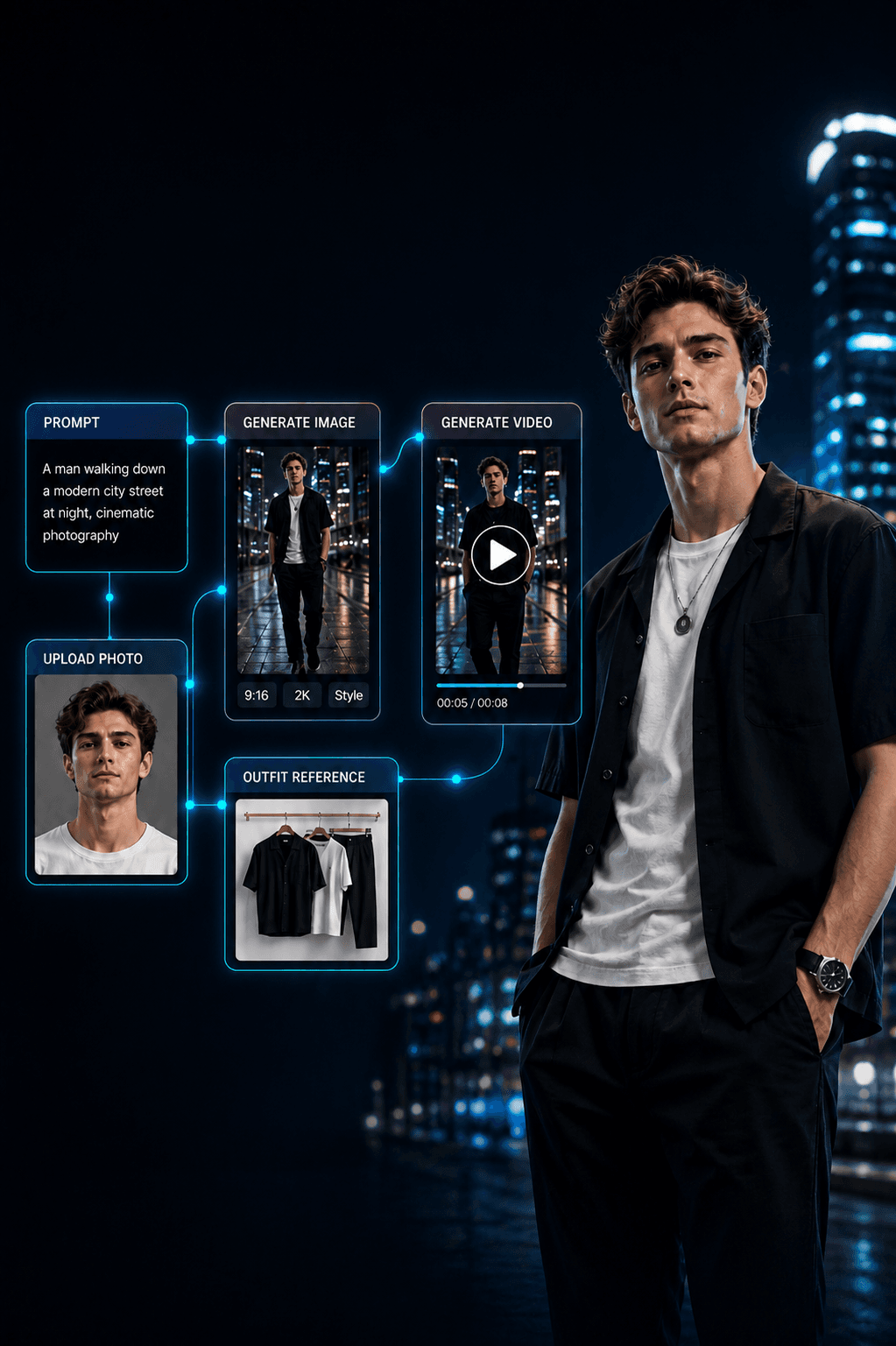
Automate fashion content from a few input photos. Upload a model, a background and an outfit, then hit Start — the workflow dresses the model in the new outfit, generates fashion images and turns them into videos. Buy once, use forever.
Product description
The Fashion Image & Video Workflow automates the whole fashion-content process from just a few input photos.
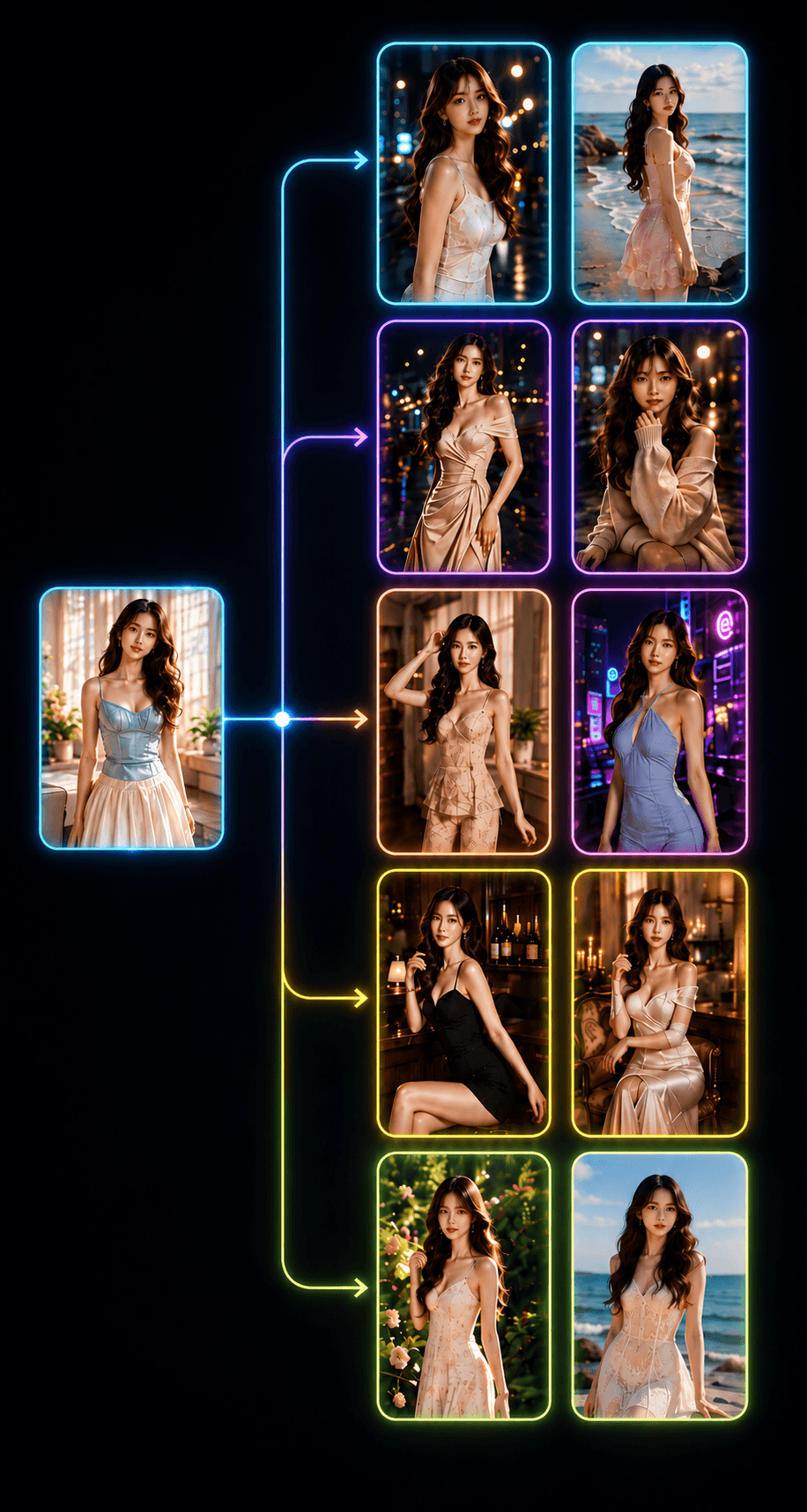
Upload a model photo, a background photo and the outfit you want worn, then press Start production. The workflow automatically generates images of the model in the new outfit, then turns those images into fashion videos with AI.
Great for fashion shops, online sellers, KOC/KOL, TikTok Shop, Shopee, Facebook Reels — anyone who needs to produce fashion content at scale without organising a shoot for every product.
The workflow can run continuously:
Model + Background + Outfit → Fashion images → Video → Complete stitched video
What the workflow can do
- Keep the model and swap in a new outfit.
- Place the model in the background you want.
- Create many fashion images from one outfit.
- Generate many angles and poses.
- Turn images into fashion videos.
- Generate many videos in a single run.
- Auto-stitch the clips into a finished video.
- Great for KOC videos, lookbooks, product showcases and social content.
Requirements
- A Google AI Pro or Google AI Ultra account for the video features on Flow.
- Model availability and credit usage depend on Google's current policy.
- Prepare clear model and outfit photos for the best results.
How to use
Step 1 — Upload the model photo
Upload the person you want as the main character. Choose a photo with a clear face and body, no obstructions, good lighting and a natural standing/posing shot. The workflow uses this person throughout.
Step 2 — Upload the background photo
Upload the setting where the model should appear — a street, café, mall, studio, resort, beach, bedroom, fashion store. A consistent background keeps the images and videos coherent. Swap backgrounds to make different sets from the same model.
Reviews
No reviews yet for this product.
Sign in to submit a review.
Related products
🎬Workflow
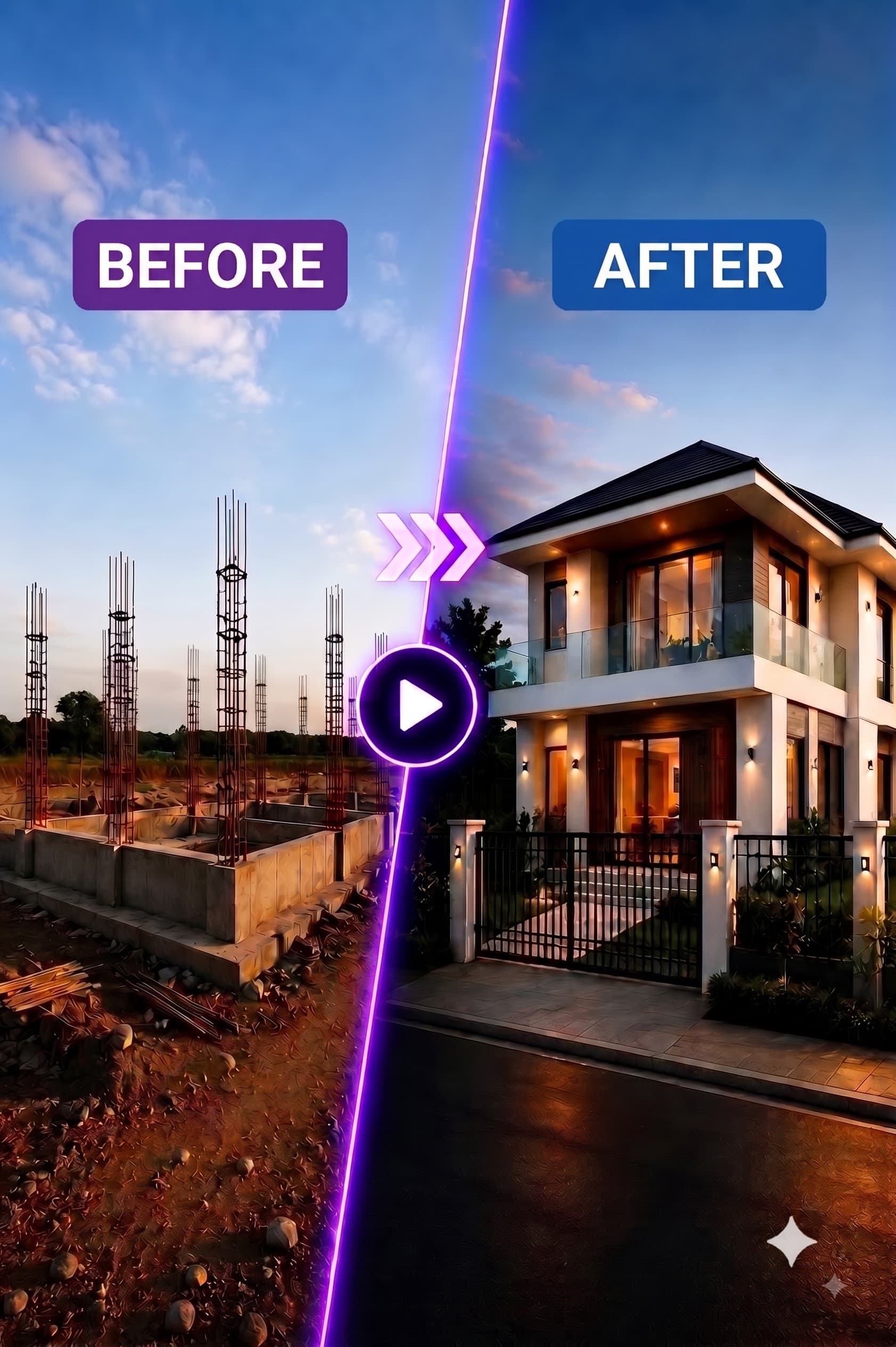
Construction Time-Lapse Automation – Build a House Time-Lapse From One Photo
Automatically create AI construction time-lapse videos from a single starting photo. Pick the architectural style, the image & video models and the number of threads — the workflow builds each construction stage and stitches them into one complete time-lapse. Buy once, use forever.
$15.00
🎬Workflow
Synth Node – Build Your Own AI Image & Video Pipeline, Node by Node
A free node-based workflow on Google Flow: pick the functions you need and connect them into your own image & video pipeline — image source, subject lock, text-to-image, image-to-image, upscale, image-to-video and preview. Sign in to claim, one per account.