Workflow Tool Veo
Synth Node – Build Your Own AI Image & Video Pipeline, Node by Node
A free node-based workflow on Google Flow: pick the functions you need and connect them into your own image & video pipeline — image source, subject lock, text-to-image, image-to-image, upscale, image-to-video and preview. Sign in to claim, one per account.
Product description
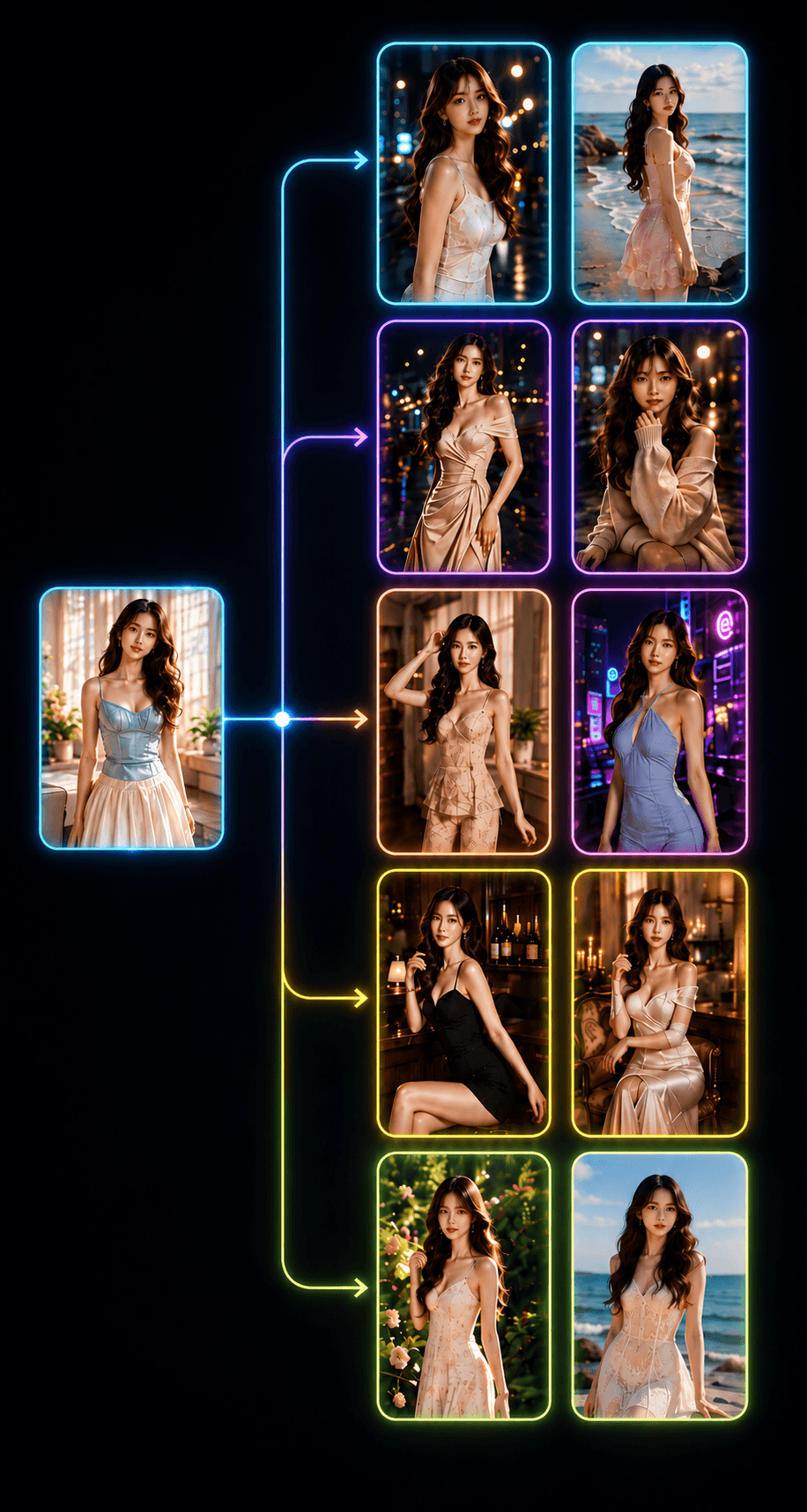
Synth Node lets you design your own AI image and video pipeline as a visual node-based workflow.
Instead of being locked into one fixed workflow, you choose exactly the functions you need and connect the nodes into your own pipeline.
For example:
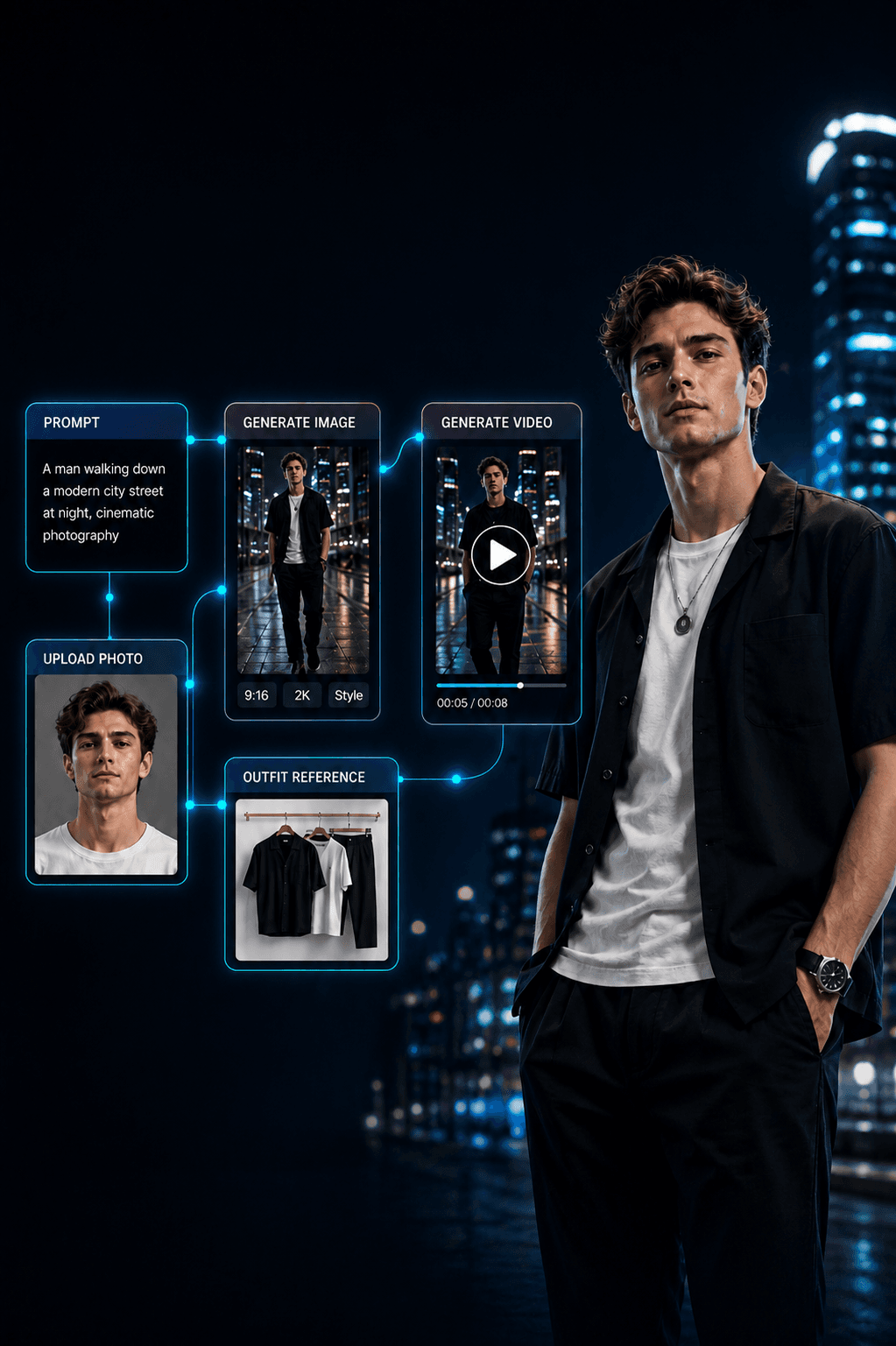
Input image → keep character → edit image → upscale → generate video → preview
or:
Prompt → generate image → upscale → generate video
Each node handles one function, so it's easy to change, extend or reuse the workflow for different purposes.
Core nodes
Image Source
Brings an input image into the workflow — for editing an existing image, keeping a character from a source image, turning an image into video, upscaling, or using an image as a reference for later steps.
Subject Lock
Keeps a character or subject consistent throughout the workflow — useful when generating many images or videos while keeping recognisable features.
Text To Image
Generates a new image from a text prompt. Enter your description, then connect this node to the next steps, e.g. Text To Image → Upscale Image → Image To Video.
Image To Image
Edits or transforms an image based on an input image — change style, change background, swap outfit, transform the concept, or create a new version from a source image.
Upscale Image
Increases resolution and improves image quality before use or before turning it into video — especially useful for low-resolution inputs.
Image To Video
Turns an image into AI video. Place it at the end of the pipeline after the image has been generated, edited or upscaled, e.g. Image Source → Image To Image → Upscale → Image To Video.
Preview
View the workflow's final result. Connect a Preview node to any step to check the output before continuing to edit the workflow.
Reviews
No reviews yet for this product.
Sign in to submit a review.
Related products
🎬Workflow
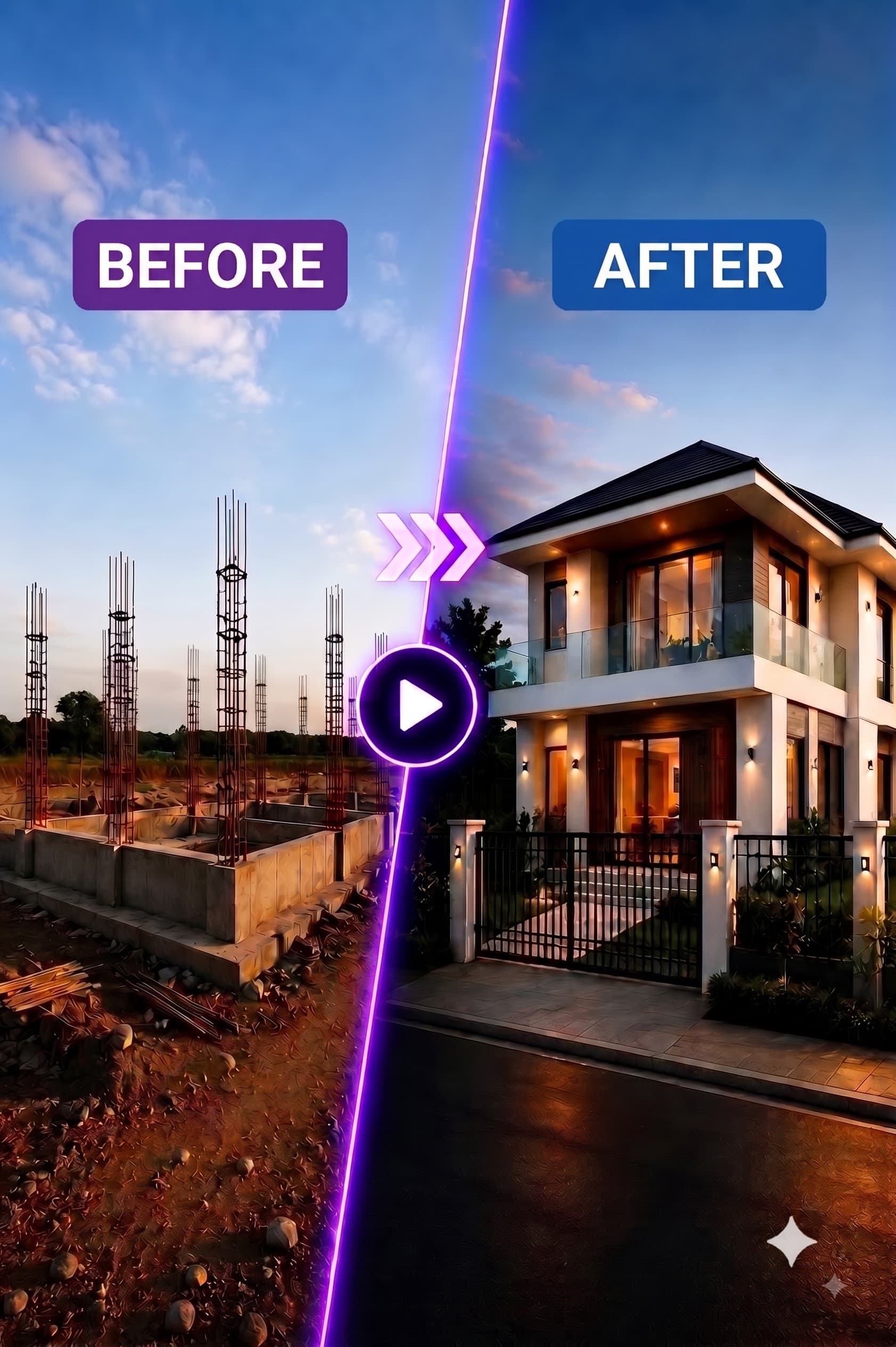
Construction Time-Lapse Automation – Build a House Time-Lapse From One Photo
Automatically create AI construction time-lapse videos from a single starting photo. Pick the architectural style, the image & video models and the number of threads — the workflow builds each construction stage and stitches them into one complete time-lapse. Buy once, use forever.
$15.00

🎬Workflow
Fashion Image & Video Workflow – Dress a Model and Make Fashion Videos With AI
Automate fashion content from a few input photos. Upload a model, a background and an outfit, then hit Start — the workflow dresses the model in the new outfit, generates fashion images and turns them into videos. Buy once, use forever.