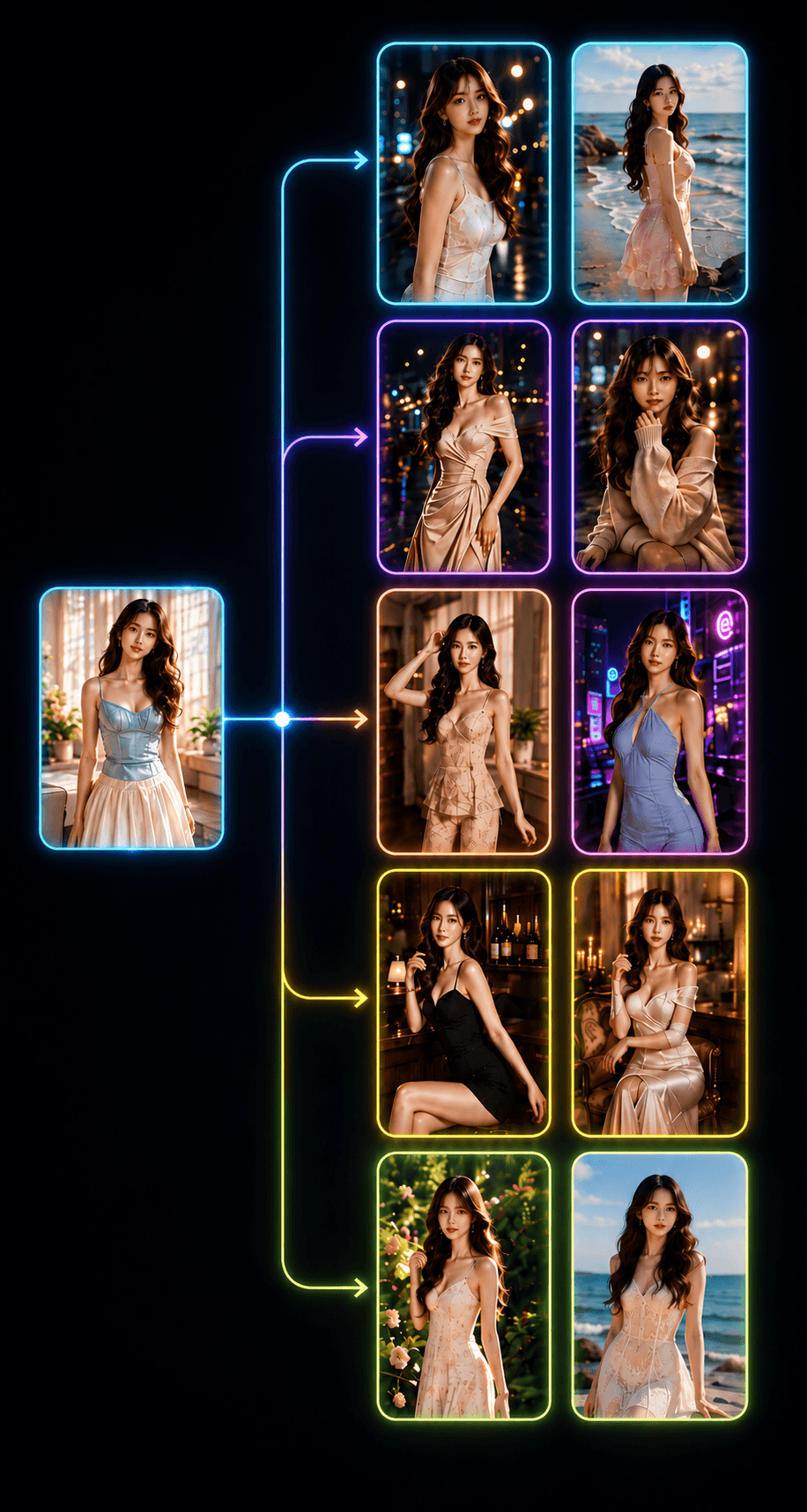
Video Drama Automation – Turn One Idea Into a Full AI Drama Video
A workflow that automatically creates short drama videos from the characters, story and style you pick — it builds the scenes, generates images, generates video with AI and stitches everything into a finished video. Perfect for TikTok, Facebook Reels, YouTube Shorts and short-video channels.
Video Drama Automation is a workflow that automates the entire process of producing AI drama videos, short films and storytelling content.
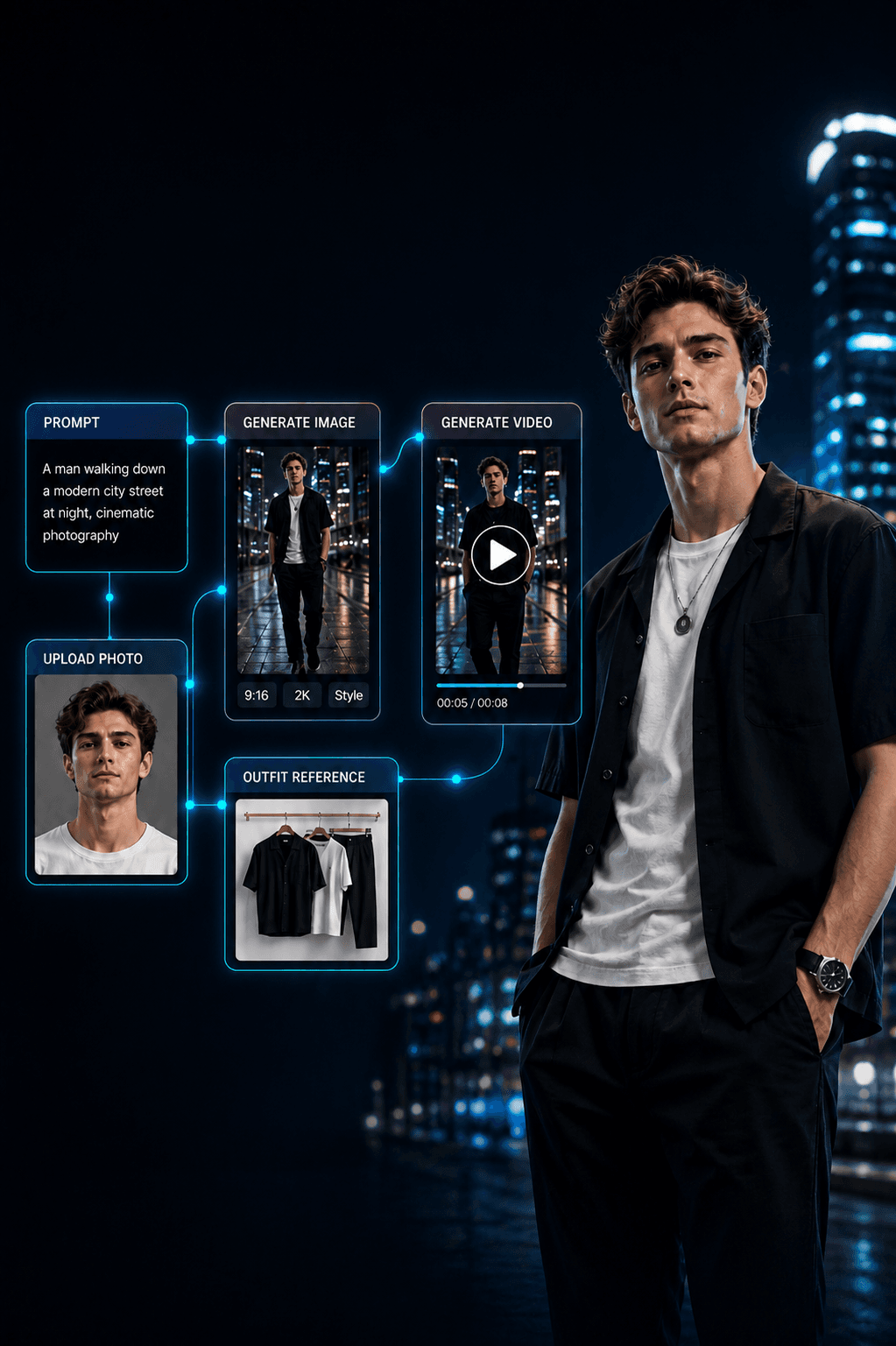
Just choose or upload characters, enter a story idea and pick a video style. The system automatically builds the script → splits it into scenes → generates images → generates video → stitches it into a complete video.
The workflow is great for content such as:
Romance drama, love and break-ups
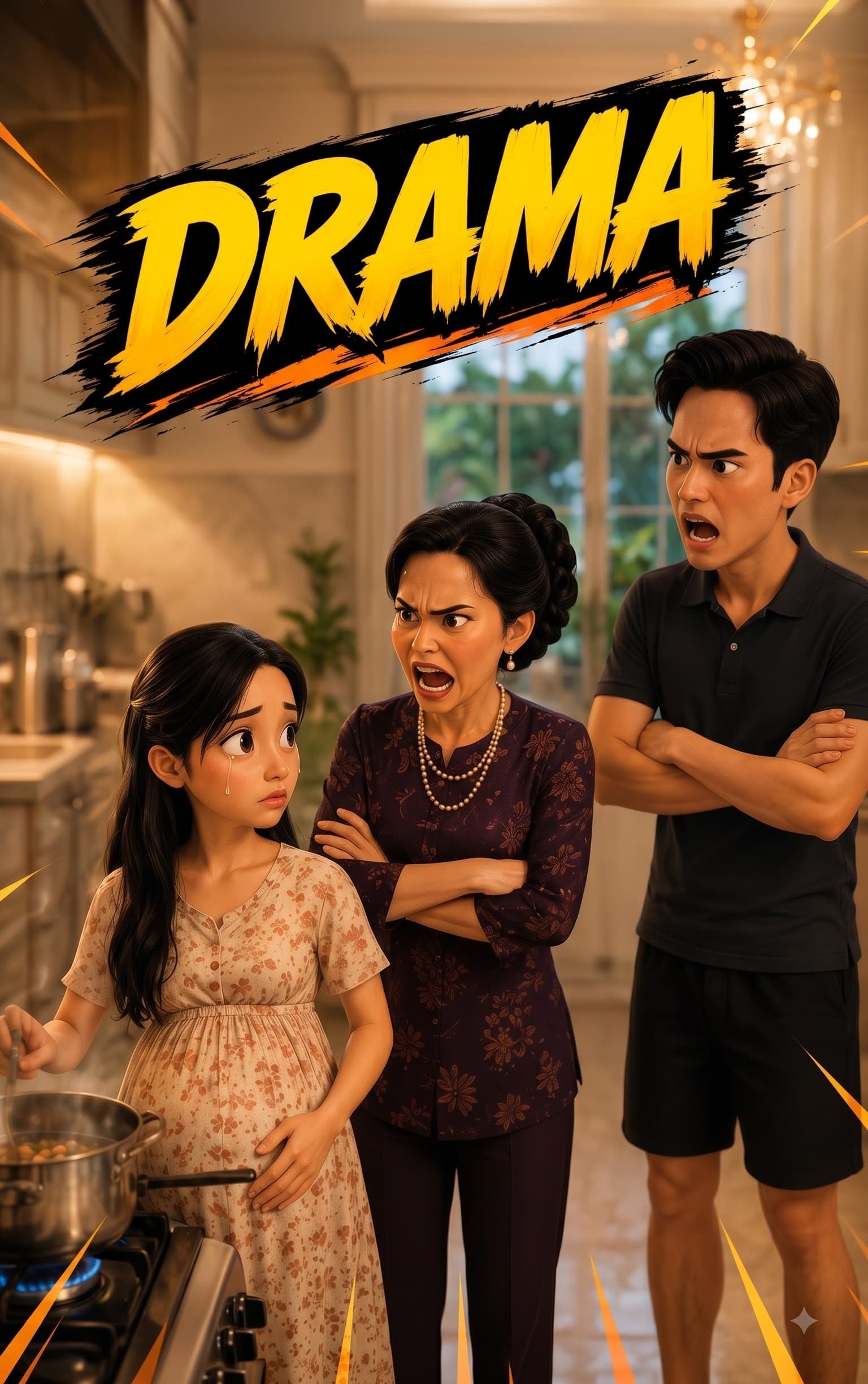
Family drama, mother-in-law vs daughter-in-law
Betrayal, affairs, revenge
Slice-of-life stories and life lessons
Content with plot twists, climaxes, debate-starters
AI short films and storytelling
Content for TikTok, Facebook Reels, YouTube Shorts
You can set multiple concurrent threads to generate many scenes at once, cutting production time and suiting bulk AI-video creation.
Supported models
The workflow lets you pick the image model and video model separately, balancing quality, speed and each account's quota.
Image model
Generates the characters, settings and images for each scene, based on the character, content, style and per-scene prompt, then feeds them into the video step.
Veo 3.1 Lite – Lower Priority
Ideal for drama scenes with character motion, expressions, interaction and a cinematic style. With a Google AI Ultra account this model may be supported at 0 credits in some cases, depending on Google's policy.
Best when you prioritise speed, running many tasks at once and bulk video production.
How to use
Step 1 — Choose or upload characters
Pick a built-in character or upload your own. You can use several characters in one story — the lead, a love interest, spouse, parents, friends, a villain or supporting roles. Use photos with a clear, well-lit face for better recognition.
Step 2 — Enter the drama content
Enter the idea, topic or story you want, e.g. "A wife discovers her husband is having an affair with her best friend." A short idea or a detailed story both work — the workflow develops the script and splits it into scenes.
Step 3 — Choose a video style
Pick a style: Cinematic Drama, Realistic Short Film, Everyday Drama, Romance, Tragedy, Suspense, Dark Cinematic, Storytelling, or a viral short-video look. The style affects the setting, colours, lighting, expressions, camera angles and mood.
Step 4 — Add more detail
Optionally control the result: story setting, time and place, relationships, appearance and outfits, actions and expressions, the climax, camera angles and movement, lighting and cinematic style, the ending you want. Leave it blank and the workflow builds the content from the idea and style.
Step 5 — Configure video and threads
Set the number of scenes, clip duration, number of videos, concurrent threads, image model and video model. More threads generate more scenes at once, shortening bulk production.
Step 6 — Review and edit the script
The workflow auto builds the story → splits scenes → writes a prompt per scene. Edit any scene — character, action, expression, setting, camera, lighting, movement and story beats — or let the system handle it all.
Step 7 — Choose image and video models
Pick the image model and video model for your needs (e.g. Veo 3.1 Lite – Lower Priority, Omni Flash), then set the duration and options per scene.
Step 8 — Create the full video with 1 click
Fully automatic — press "Generate all": the workflow builds the script → splits scenes → writes prompts → generates images → generates video → runs many scenes concurrently → orders them → stitches → exports. Or go step by step: "Generate script" → review & edit → "Generate images" → "Generate video" → "Stitch video" → download.
Step 9 — Auto-stitch and export
When the scenes are done, press "Stitch video". The workflow orders the clips to match the script, joins every scene into a complete drama video, exports the file and downloads it. No separate editing software needed.
Highlights
Full drama video with one click
Auto builds a script from one short idea
Splits the story into many scenes
Choose or upload your own characters, multiple characters per story
Auto image → video → stitch
Separate image and video models
Generates many scenes concurrently
Edit each scene in detail
Many drama and storytelling styles
No professional editing skills needed
Great for bulk AI-video production
Great for
TikTok creators, Facebook Reels, YouTube Shorts
AI short-film channels, Drama & Storytelling channels
Bulk AI-video producers and automated content systems
Anyone with no video-editing experience
Requirements
A Google AI Pro or Google AI Ultra account for models that require Google AI.
Model access and quota depend on the account type.
With Google AI Ultra, Veo 3.1 Lite – Lower Priority may be supported at 0 credits in some cases.
Google may change credit policy, quota and model access over time.
Speed depends on the model, number of scenes, threads and system status.
Product policy
Type: One-time purchase
Duration: Lifetime — Maintenance fee: None
Users: 1 — Downloads: Unlimited — Purpose: Personal project
Note
This workflow automates AI video creation. Character quality, motion and consistency between scenes depend on the input images, prompt, script, image model and video model. AI results may need regenerating or prompt tweaks for some scenes. Users must follow the content policies of Google, Veo, Flow and the platforms they post to, and hold the proper rights to the character images and content used.